Allow for the journey
ETAwake includes the estimated journey for your chosen route in your wake-up calculation.
A SMART ALARM BUILT AROUND YOUR ARRIVAL
Choose where you’re going and when you need to arrive. ETAwake calculates your wake-up time using your estimated journey and the time you need to get ready.
iPhone and Android versions are in testing.

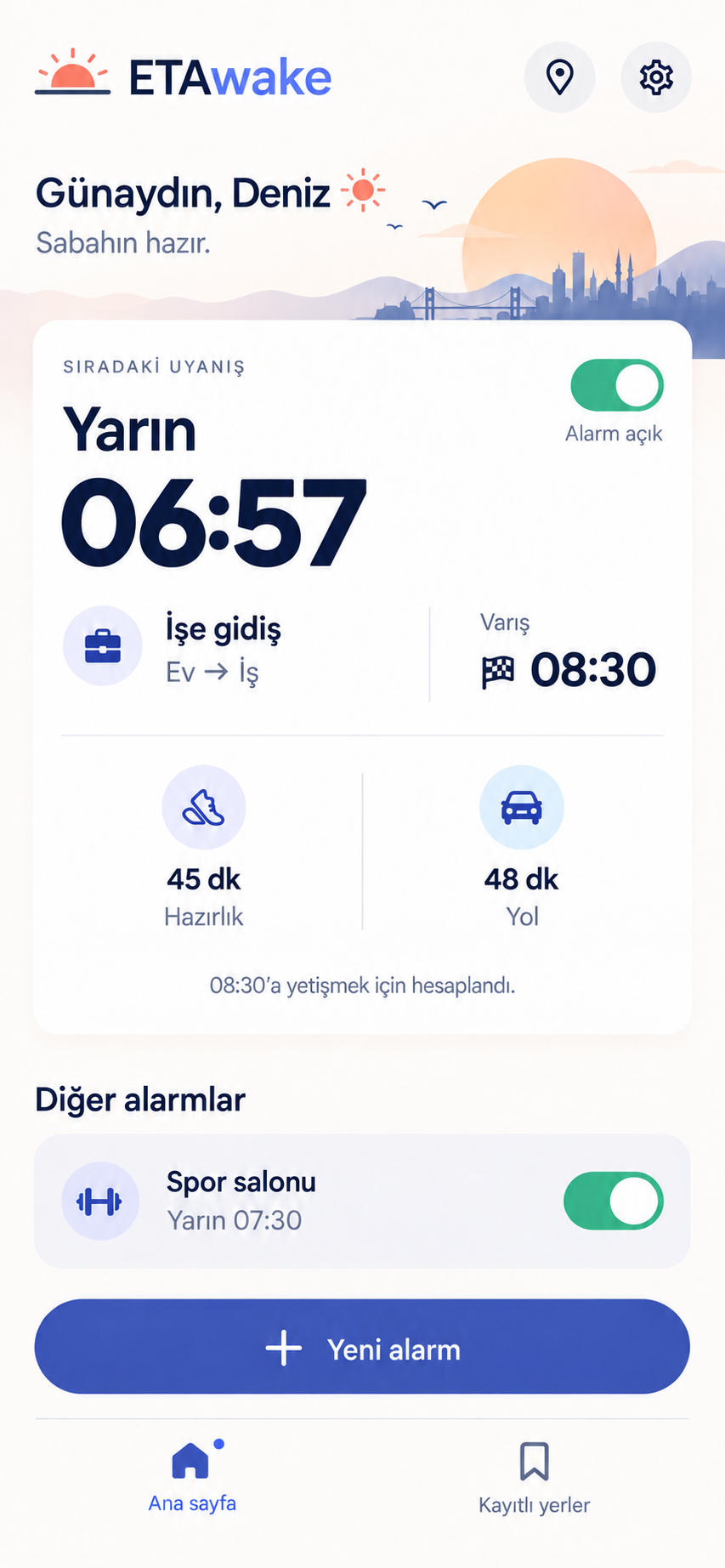
You choose when to arrive. ETAwake works out when to wake up.
iPhone / Android / Apple WatchHOW IT WORKS
Whether you’re heading to work, class, or an appointment, you shouldn’t have to work out your whole morning by hand.
Set your start and destination. Save home and work so they are easy to choose next time.
Enter your arrival time and how long you need to get ready.
Review the wake-up time calculated with your estimated journey. Confirm it to save the alarm on your phone.
TRY THE CALCULATION
Change the times to see how your morning adds up.
This is a sample calculation. It does not set an alarm or use live traffic data.
YOUR WAKE-UP TIME
The same day as arrivalTAKE A CLOSER LOOK
Choose a route, save your regular places, and adjust your preferences. We’re designing the new interface to make each step easy to follow.
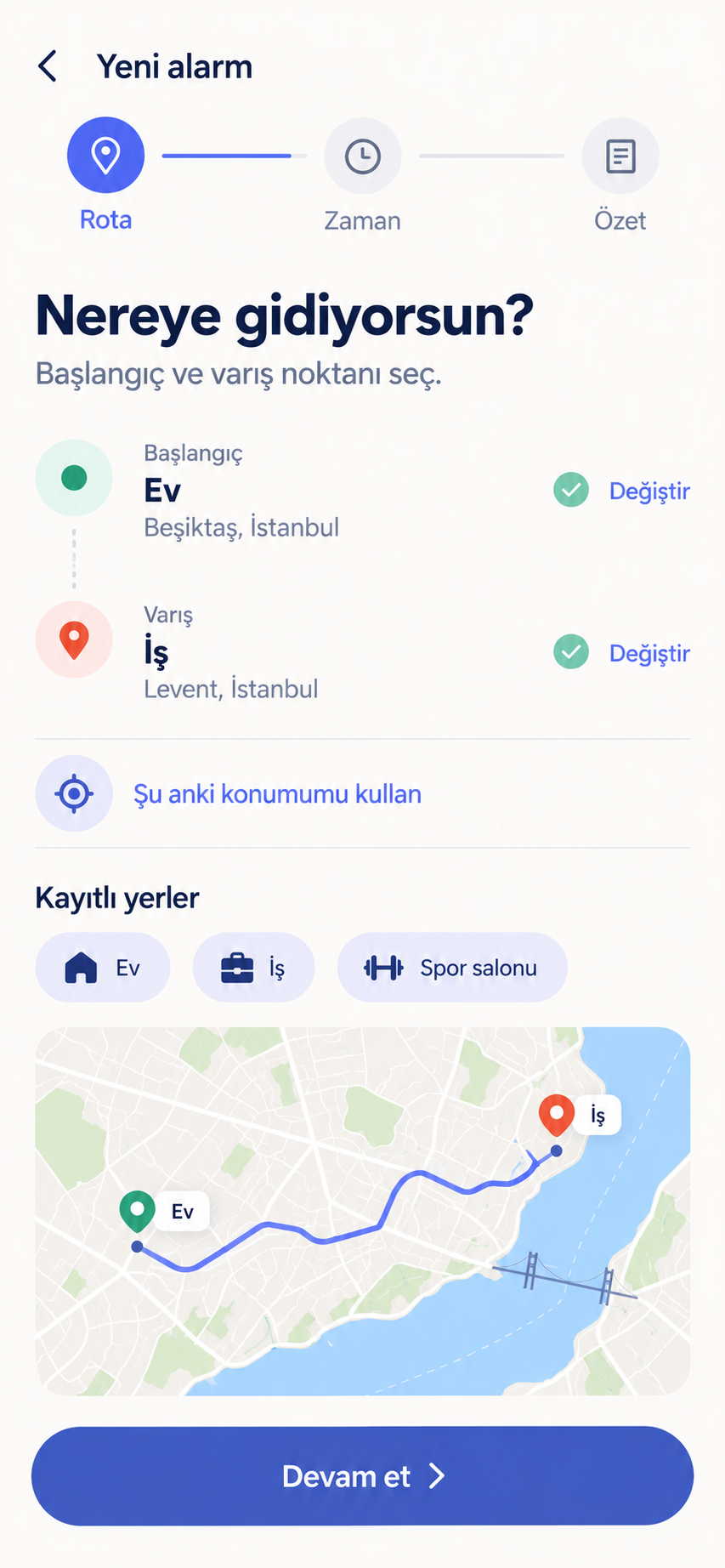
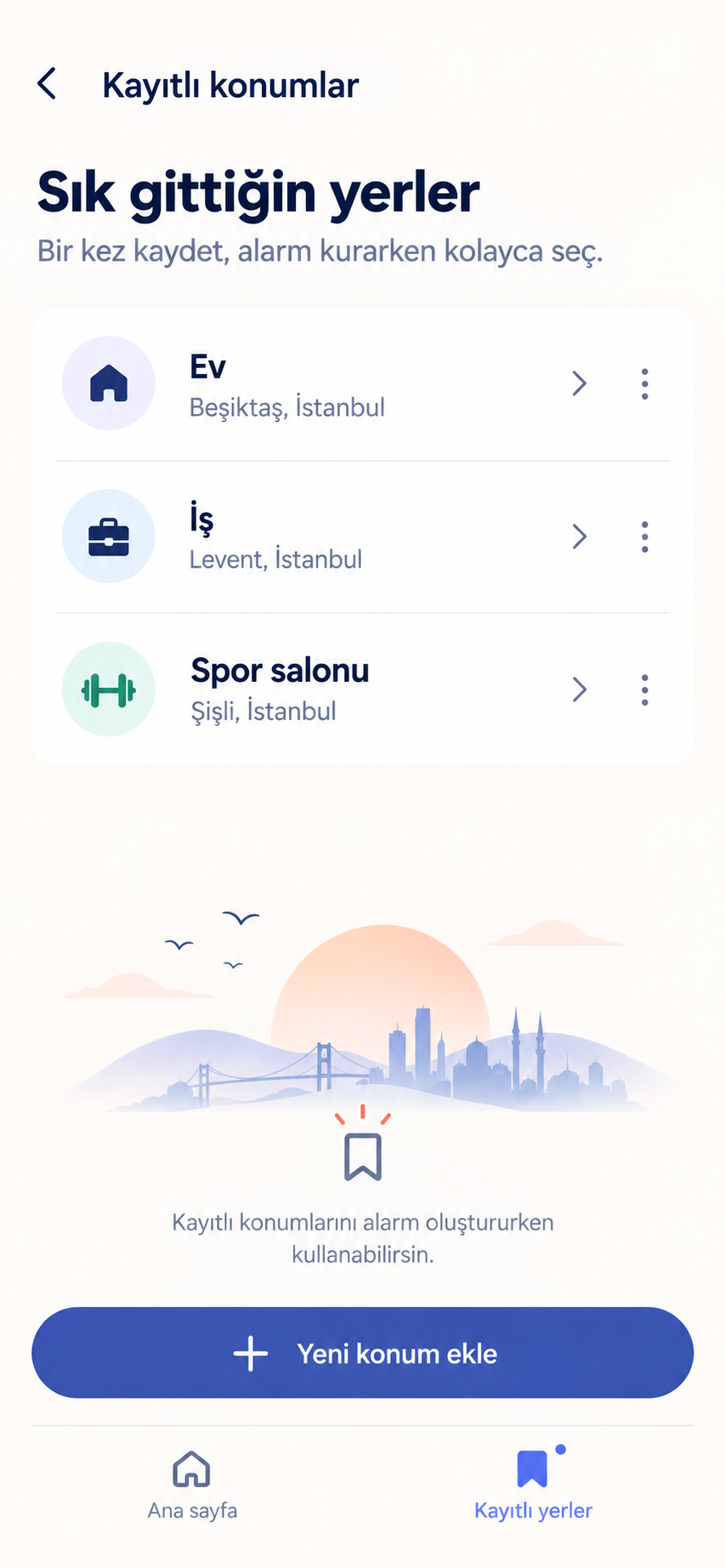
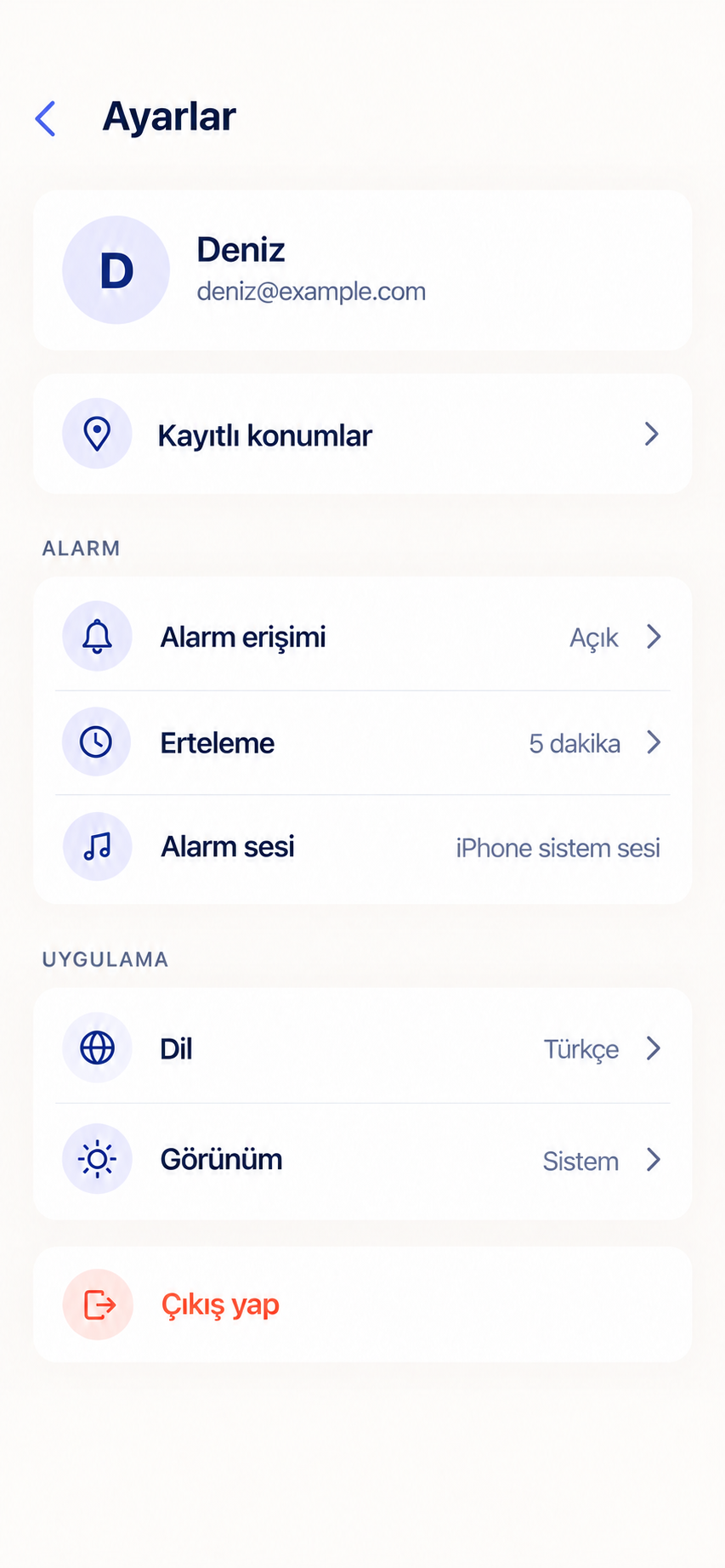
Images show Turkish-language previews of the new design. The current app may look different.
LITTLE DETAILS, EASIER MORNINGS
Bring your routine, journey, and preferences into one plan.
ETAwake includes the estimated journey for your chosen route in your wake-up calculation.
A shower, breakfast, a cup of coffee. You decide how much time you need to get ready.
Pick the days your alarm should ring. Set your weekday routine without creating a new alarm each morning.
Home, work, or the gym. Save your frequent places and choose from your list.
Keep track of the updated wake-up time in the app when you snooze.
Choose Turkish or English, with light, dark, or system appearance.
SAVED ON YOUR PHONE
Your confirmed alarm is saved with your phone’s own alarm system. You don’t need to keep ETAwake open on screen for it to ring.
Your phone must stay on and alarm permissions must be enabled. New route calculations need an internet connection.WHICH DEVICES?
The iPhone and Android versions are in testing. The Apple Watch companion shows your upcoming iPhone alarm on your wrist.
Create your alarm, check your wake-up time, and save it with your phone’s alarm system.
Manage an alarm calculated around your arrival and preparation times.
See your upcoming iPhone alarm on your wrist.
GOOD TO KNOW
Have another question? We’re an email away.
Your estimated journey and preparation time are subtracted from your arrival time. To arrive at 08:30 with a 48-minute trip and 45 minutes to get ready, your alarm would be set for 06:57.
Confirmed alarms are saved with your phone’s alarm system, so they can run when the app is closed. Your phone must stay on and the required alarm permissions must be enabled. Battery settings can also affect some Android devices.
Your previously confirmed alarm stays on your phone. New route and journey-time calculations require an internet connection.
Yes. Save your frequent places, then choose them as your start or destination when creating an alarm.
No. The example on this page shows how your wake-up time is calculated; it does not create an alarm on your phone. Use the mobile app to set an alarm.
ETAwake is still in development and testing. Email us to request early access and let us know whether you use an iPhone or Android phone.
FOR YOUR NEXT MORNING
Want to try ETAwake? Email us to request early access and let us know whether you use an iPhone or Android phone.
Request early access by emailOpens your email app. info@etawake.app